
Lectures for online product in just a few clicks




300+ experts are already recording
their lessons in Clipwise
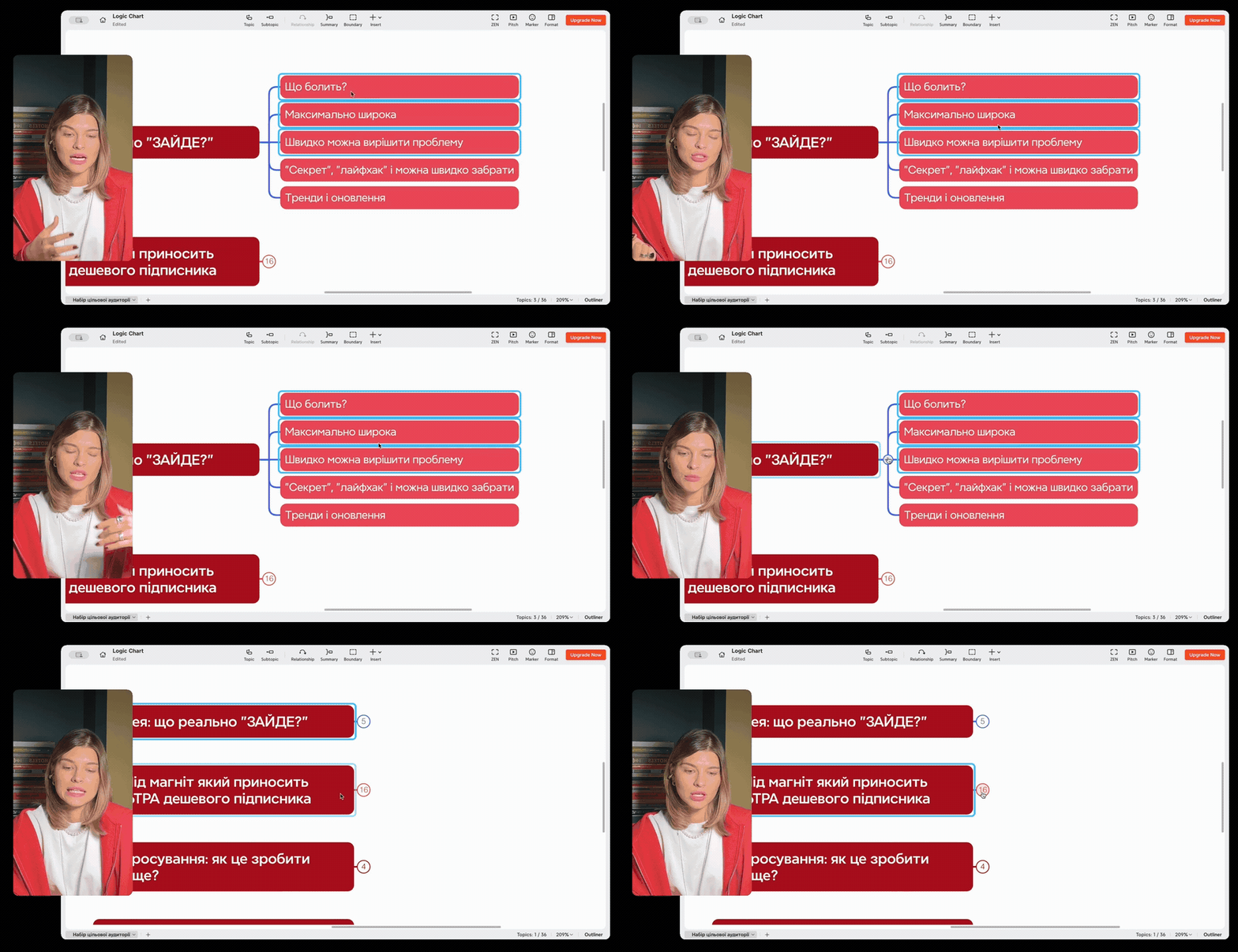
Upload the presentation for your lesson in just a few seconds and record with comfort. You will see yourself, the active slide, and the next ones in a convenient sidebar.
$700
SAVED ON EDITING
With Clipwise, I have fired a content editor for my online course.

Alex Kleshchyk
@upgradetrader
8 hours
SAVED
ON EVERY VIDEO
I work as a marketer in a digital agency. Previously, it would take entire evenings for our team to shoot lectures. Now, with Clipwise, we record and receive the finished video in 30 minutes.
George Shafeev
@yura_shafeev
3x
faster
IN COMPARISON WITH OTHER APPS
I used to work with OBS and,
to be honest, it was difficult.
With Clipwise, everything has become easier; you can record and edit, all in one place. A publish-ready lesson can be created in just a few minutes.
Yana Soroka
@yana.soroka
functionality
RECORD
Presentation and recording
Upload your presentation for your lesson in just a few seconds and record with ease. You can see yourself, the active slide, and the upcoming ones in a convenient sidebar. Total control and confidence while recording.

VISUAL
Customization
of the lecture appearance
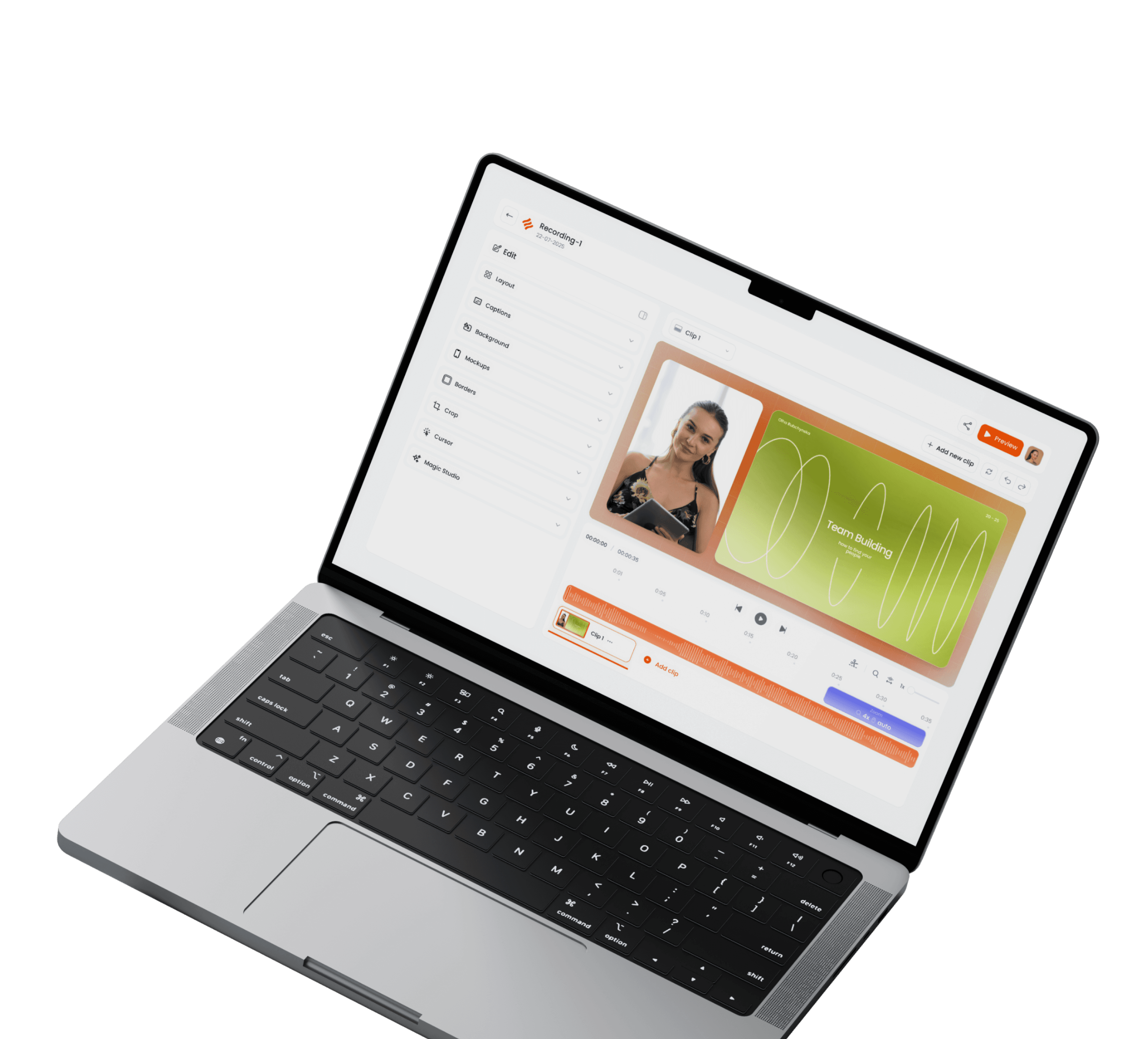
At Clipwise, you can choose the background and layout of the video in a way that suits you best. Style your lecture and create a cohesive visual style for all your lessons.
CAMERA
Professional
image in seconds
Connect your iPhone as a camera and shoot anywhere that's convenient for you — with great quality. Your content will look like studio video without any complicated settings.
EDITING
Quick editing without an editor
You will be able to quickly cut out pauses, stammering and everything unnecessary — leaving only the final, clean version of the lesson. No complicated software or editors. Export the video and send it to students just a few minutes after filming.
SUMMARY
Notes and timestamps
After recording the lecture, Clipwise automatically generates a summary of your lesson and sets time codes. You will save hours on routine work and immediately receive ready-made, structured material for your students.
RECORD
Screen recording
Record YouTube tutorials or team instructions directly in Clipwise. Capture your screen and yourself at the same time without any extra software.

our users

Lecture for entrepreneurs
#02
Lead magnet
#03

Lecture for the course
#01

tariffs
Record, edit and send production-ready videos to students. Choose a plan and get started today.
LITE
CLIPWISE
Record video lectures with a 'wow' effect without editing.
0
$
m.
Unlimited video lecture recording with the Clipwise logo
Full HD 1080p export
Video design personalization
PRO
CLIPWISE
Capture studio-quality video in just a few minutes instead of hours.
15
$
m.
Export video without a watermark from Clipwise
Export in 4k quality
In the upcoming updates:
AI functionality for speeding up work
Video hosting directly in the app
More professional templates for recording
Have another question and can't find the answer? Write to our support
Which slides formats can I upload to the Clipwise app?
Is the version for Windows ready?
I'm new to editing software. Will I be able to work with Clipwise app?
© 2025 Clipwise. All rights reserved.